
Day one, minute five
A new developer opens Studio in the browser and ships a fix before lunch. There was no environment to set up.
Open the browser, edit the real source tree, watch the cloud build stream, publish a version. Your AI assistant edits the same files under the same contracts — no local environment, nothing to install.
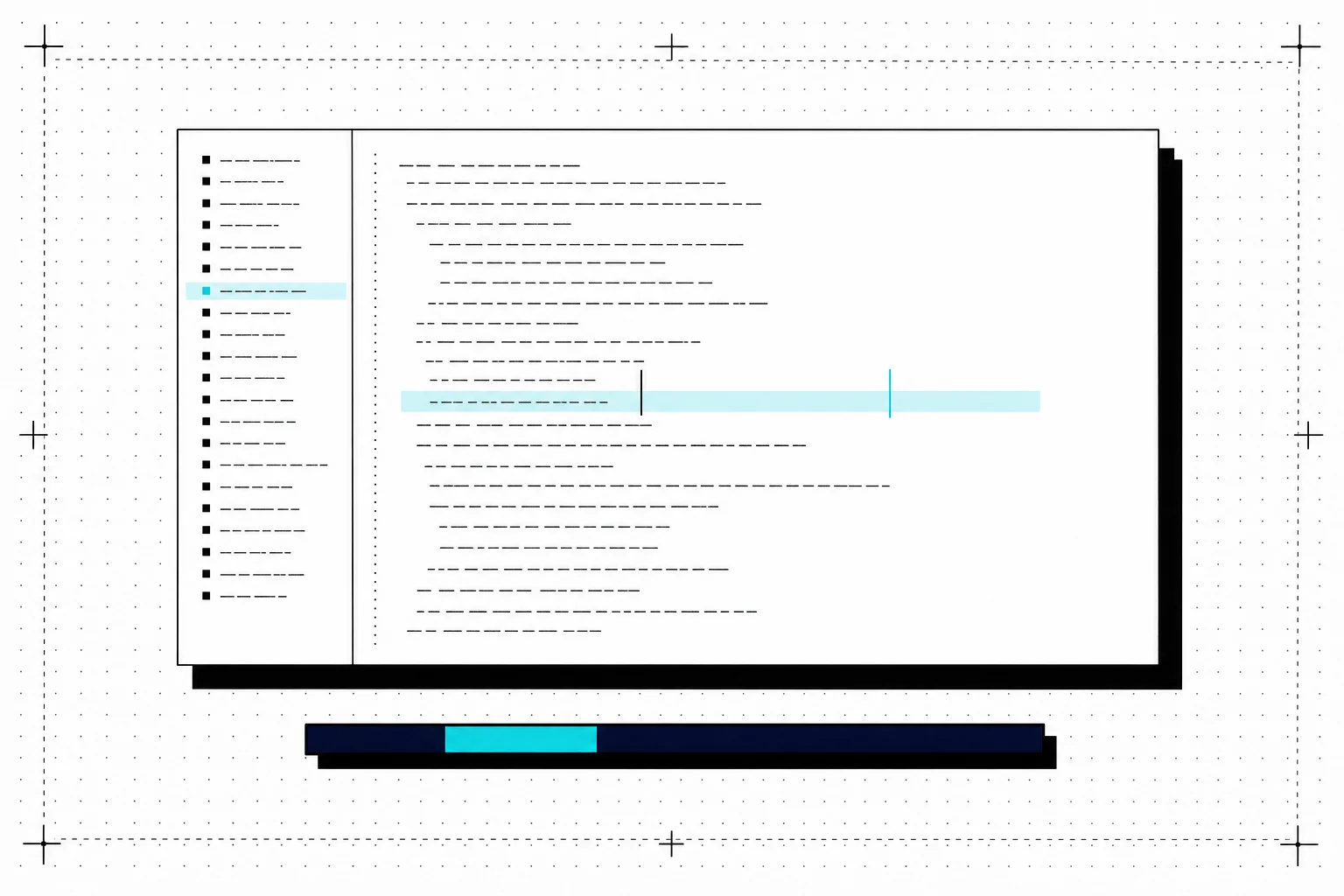
App Studio is the authoring surface of App Engine: a cloud IDE over the app’s real source tree. Files, folders, JSX, contracts — the actual project, not a form that generates one. The build runs in cloud and streams its progress back to the editor.
AI is native, not bolted on. Because the source of truth lives in the platform, an AI assistant can read the tree, patch a component, run the build and show you the diff — with the same permissions model and the same audit trail as a human developer.
Everything a developer expects is on the roadmap of the same surface: scaffolds to start from, versioned publishes to App Engine, and git-compatible import so an existing project with hundreds of files can move in without ceremony.
$ publish approval-desk
→ snapshot        src/ (42 files)
→ vite build      externals: react, @mui/material…
→ bundle          app.js  184 kB
→ contracts       input ✓  output ✓
→ version         1.0.14  (immutable)
✓ live on launcher · embedded · taskA new developer opens Studio in the browser and ships a fix before lunch. There was no environment to set up.
"Add a rejection-reason field to the approval form." The assistant patches the JSX, updates the output contract, runs the build, links the diff.
An existing React tool with 300 files moves into the platform as-is — then gains versioning, contracts and cloud builds for free.